 Live demo · Odoo 18.0
shipXpert Connector - live demo
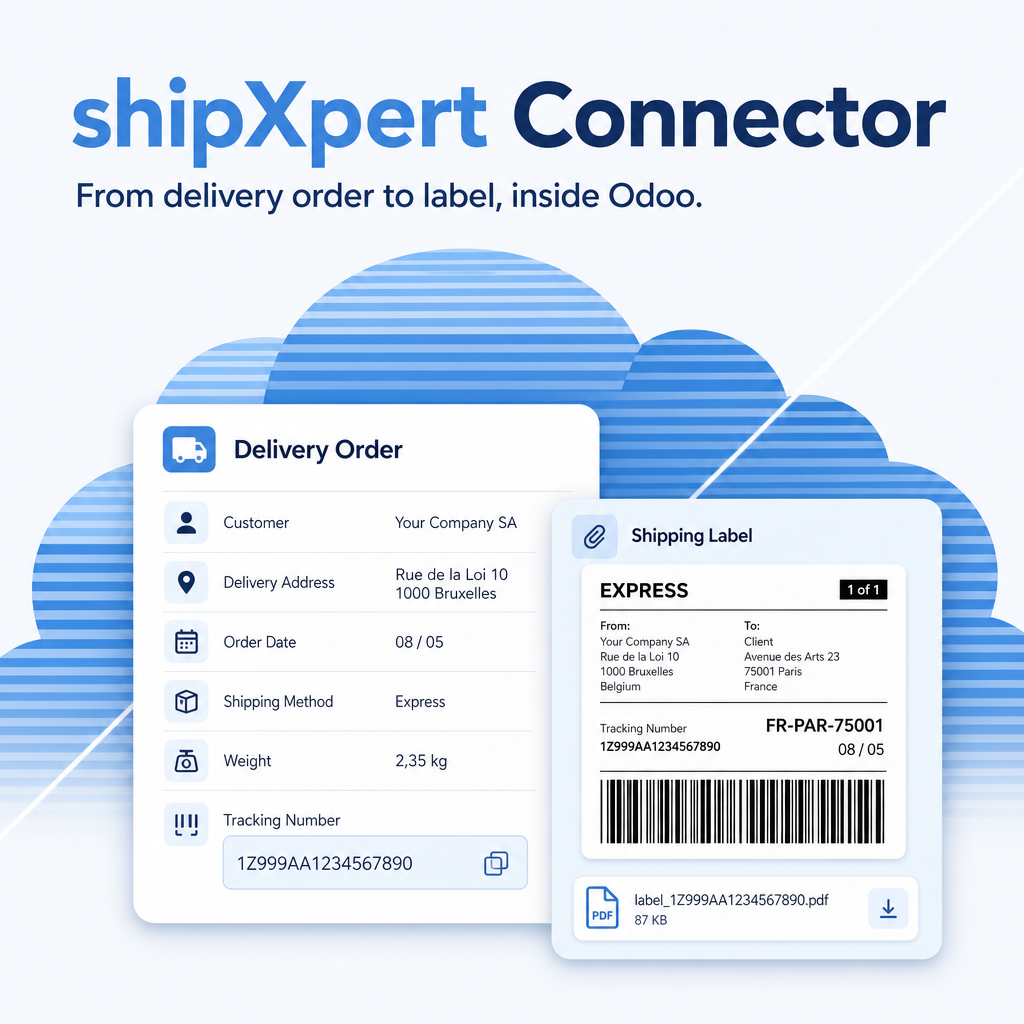
From the delivery order to the shipping label without leaving Odoo.
How to try it
Pick a role below and log in. Everything you enter is deleted every night. This demo is not connected to shipXpert: shipments, labels and tracking need your own shipXpert account.
Intentionally not possible in this demo: installing apps, changing settings, changing passwords and sending e-mails (outgoing mail is switched off).
Highlights
Delivery method with status
A delivery method of type shipXpert with a colour box that shows at a glance whether licence and connection are in order.
Log in as
Warehouse manager
(shipmanager)
Only the right boxes
Package types assigned to shipXpert are the only ones offered when you pack a shipXpert delivery order.
Log in as
Shipping clerk
(shipuser)
Customs data on the product
HS code, customs description and country of origin sit on the product and travel with every international shipment.
Log in as
Warehouse manager
(shipmanager)
Stopped before it goes wrong
A missing weight or HS code stops the validation with a message that names the product, before anything is sent.
Log in as
Shipping clerk
(shipuser)
About
The shipXpert Connector is a module of Equitania Software for Odoo. This database is a public demo with fictitious data only.